DBeaver configuration for distributed teams

Unify your database access without the chaos.

Stop emailing connection strings. We build shared DBeaver workspaces where every teammate sees the right databases, the right drivers, and the right permissions from day one. Why keep repeating the same setup work?

5 min Typical new-hire workspace start instead of hours
3 layers Development, staging, and production profiles kept apart
AD / LDAP Directory-aware access that fits your identity stack
Shared workspace blueprint
Production connections locked
Sensitive endpoints stay visible only to the right roles. Clean. Simple.
Colour-coded database groups
MySQL, PostgreSQL, and SQL Server sit in one readable layout.
Version-controlled settings
Workspace files move with your team, not with one laptop.

Configuration scenarios we master

A startup with three databases needs a very different setup from an IT department managing dozens of schemas. So, which workspace do you actually need?

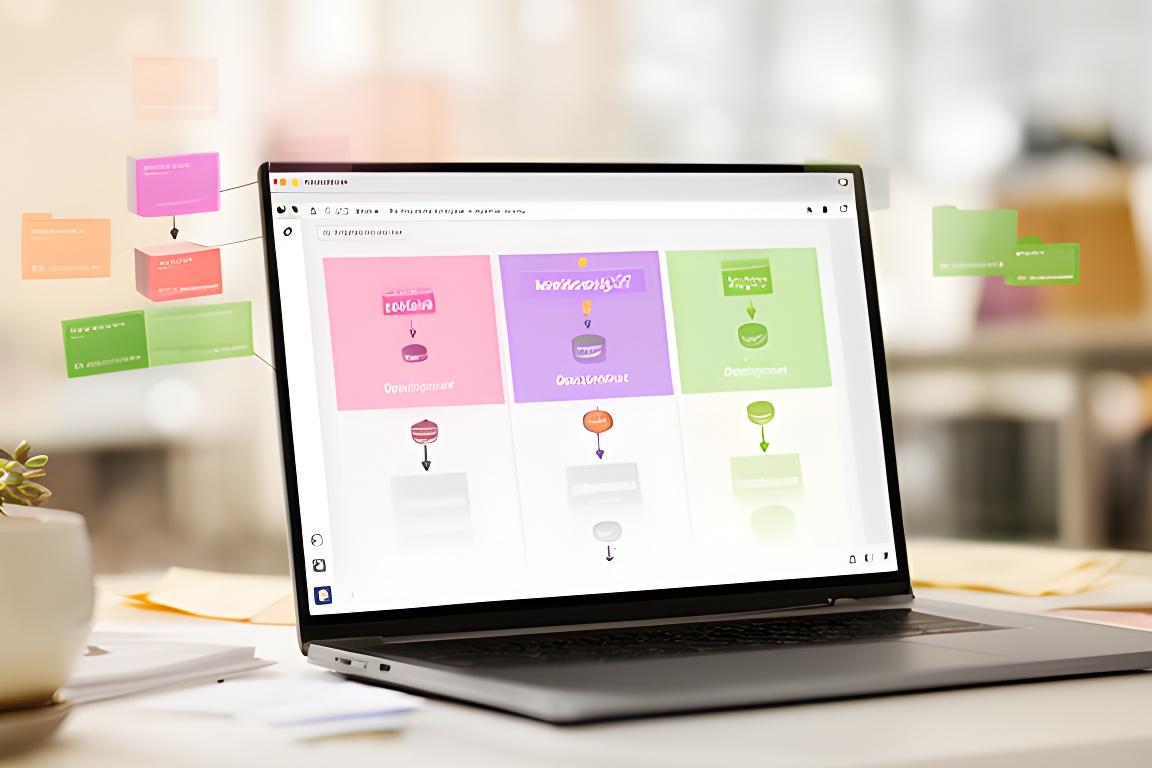
Developer laptop showing a multi-profile DBeaver workspace with grouped database connections in a bright office
Multi-profile workspace design
Development, staging, and production can live side by side without mixing up credentials or endpoints.

One workspace, many environments

We structure profiles so each user lands in the right database context instantly, with less onboarding friction and fewer accidental connections.

Shared folders with locked connections

Standardised folders keep team resources tidy while protecting the entries that should never be edited by accident.

SSH tunnel profiles

Environment-specific tunnel presets make remote access predictable, even when your network rules are strict.

Colour-coded connection groups

Readable cues help teams move faster. Who wants to click five times just to find the right server?

Workspace templates

We reuse what works, then version it. That way, the whole team gets a stable starting point every time.

Built for shared database client deployments in Pittsburgh and beyond.

Before and after configuration

The problem is rarely DBeaver itself. It is the sprawl around it. Manual setup, orphaned drivers, missing passwords, and the same support tickets every week — sound familiar?

Before: scattered setup

Setup time New hires spend hours hunting for drivers, copying settings, and checking password policies by hand.
Risk One wrong save can overwrite a production entry or leave a shared folder in an inconsistent state.
Support load Your team repeats the same fixes for every laptop, every quarter.

After: centralised workspace

Setup time We’ve seen onboarding drop from 4 hours to 5 minutes when the workspace is templated and ready.
Risk Version-controlled files and role-based access keep the structure clean, even as the stack grows.
Support load Fewer tickets, fewer surprises, and much less “Can you resend the connection string?”

Configuration rollout in three phases

We keep the process practical. No mystery. No hand-waving. Just a short path from template design to a workspace your team can trust.

Phase 1

Template design

We build the master workspace file, define driver standards, and decide how each database environment should appear for different roles.

What should be visible, and to whom?

Phase 2

Integration

Next, we connect the workspace to IAM, version control, and your network policies so the setup behaves the same way every time.

That means fewer permission headaches later.

Phase 3

Rollout and training

Finally, we deploy the standard to your team and walk everyone through it in a focused 15-minute session.

Fast adoption. Low disruption.
Configuration questions

Teams usually ask the same things before standardising DBeaver. Good questions, too. Here are the answers we give most often.

Can you import our existing connection list?

Yes. We can audit what you already have, map the entries into a cleaner structure, and keep useful history instead of forcing a reset.

How do you handle password management?

We align the workspace with your security model, then design the flow around vaults, prompts, or directory-based access where appropriate.

What happens when we add a new database server?

The template makes it straightforward. We add the server in one place, validate permissions, and roll it out without creating a fresh support mess.

Is the workspace cross-platform?

It is. We design for mixed environments so your team can move between operating systems without losing the standardisation you invested in.

Ready to standardise your database access?

Book a configuration workshop with Pat's Precision Engine and get a workspace blueprint built around your team, your databases, and your permissions model. Most workspaces are delivered within 2 business days.

+1 (305) 759-4954 info@DOMAIN_NAME_REPLACE 40th Street, Pittsburgh, PA 15201