DBeaver installation, done properly

Install Once, Connect Forever

Don’t let a bad install delay your first dashboard. We turn DBeaver from a download into a clean, fully connected database cockpit in under two hours, with driver configuration, workspace setup, and validation built in.

90 minutes Average sprint time
20+ engines Driver library coverage
1-page handover Team-friendly notes
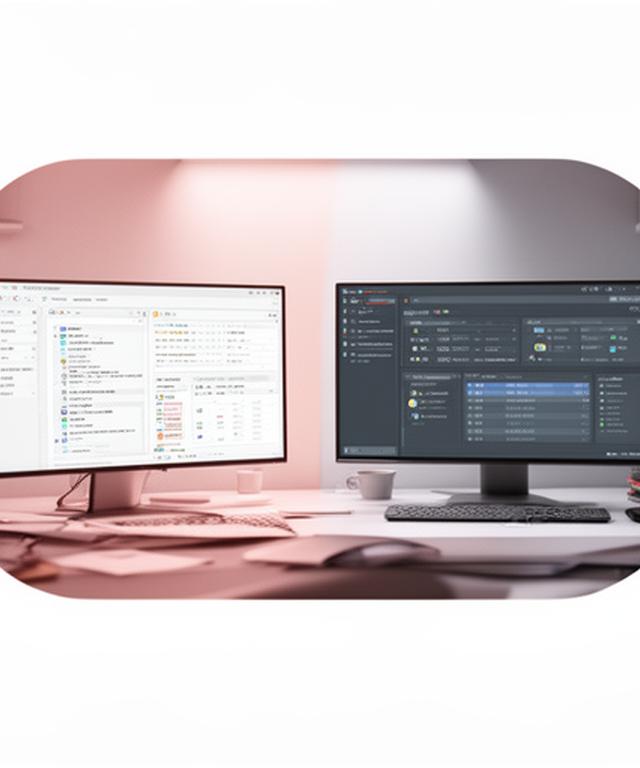
Side-by-side database workspace view showing a cluttered driver list next to a clean DBeaver dashboard on a bright desk

Messy setup on the left. Clean connection on the right.

Why spend your morning hunting JDBC files when we can make the first connection behave from the start?

Our 4-step installation engine

We keep the sequence tight and predictable. That means fewer surprises, quicker sign-off, and a setup you can actually maintain.

Get Your Installation Sprint

1. Environment audit

We check the operating system, Java version, existing drivers, and any odd workstation constraints before we touch the install. Why guess when we can verify first?

2. Clean install

DBeaver Community or Pro, selected for the job. We remove setup friction, align paths, and make sure the workspace opens the way your team expects.

3. Driver bootcamp

JDBC and ODBC drivers are configured for the target database list, not just the first one that works. PostgreSQL, SQL Server, Oracle, SQLite, and more all get checked.

4. Connection ceremony

We test every connection, confirm credentials, and hand over concise documentation. No mystery settings. No disappearing drivers. Just a reliable baseline.

Plug into 25+ database engines

Database client setup should be broad enough for today’s stack and disciplined enough for tomorrow’s migration plan.

Need cloud endpoints, legacy servers, or a NoSQL bridge? We configure for all three without turning the workspace into a mess.

Relational core

PostgreSQL, MySQL, MariaDB, Oracle, SQL Server, SQLite, and other staples get first-class treatment with pre-tested driver settings and sensible defaults.

PostgreSQL MySQL Oracle SQL Server

Cloud-native

Amazon RDS, Azure SQL, and Google Cloud SQL are tuned with the right certificates, ports, and connection checks so the cloud behaves like it should.

RDS Azure SQL Cloud SQL

NoSQL bridge

For teams that need MongoDB access through a JDBC bridge, we map the path clearly and document the quirks before they become a ticket queue.

MongoDB bridge Compatibility check

Community vs. Pro — we advise, you decide

Some teams need the free edition. Others need enterprise-grade features now. Which way is the right fit for your analytics workflow?

Community

A strong choice for straightforward access, lighter administration, and teams that want a fast start with solid database coverage.

  • Ideal for individual users and smaller workspaces
  • Great for quick inspection, editing, and testing
  • Simple upgrade path if your needs expand later

Pro

Recommended when your workflow depends on advanced data tools, repeatable automation, or broader team collaboration.

  • Better fit for analytics-heavy environments
  • Useful when your process needs extra productivity features
  • We’ll map a clean migration path if you upgrade later

Installation questions, answered

Short answers save time. If you have a slightly odd setup, ask anyway. Chances are, we’ve seen it before.

How long does a standard install take?
Most installs land around 90 minutes when the workstation is in good shape. If old drivers, locked-down permissions, or a mixed database list show up, we’ll still keep the scope tidy and tell you what changed.
Do I need admin rights?
Sometimes, yes. We’ll confirm that early so the session doesn’t stall halfway through. If your environment restricts installs, we can still plan the cleanest path forward.
Can you install on Linux or Mac?
Absolutely. We handle Linux, macOS, and Windows, then adapt the driver and workspace setup to match the platform instead of forcing a one-size-fits-all approach.
What if a driver fails?
We troubleshoot the failure, swap versions if needed, and isolate whether the issue is the driver, the certificate chain, or the network path. That saves hours of blind retries.
Do you provide post-install support?
Yes. We stay available for the follow-up questions that usually arrive after the first real use, because a good install should hold up under daily work.

Let’s get your first connection running today

Don’t wait for another broken setup cycle. Start with a clean install, a tested connection, and a simple handover your team can reuse.

Average install time: 90 minutes Pittsburgh-based support info@DOMAIN_NAME_REPLACE
Location 40th Street, Pittsburgh, PA 15201, USA